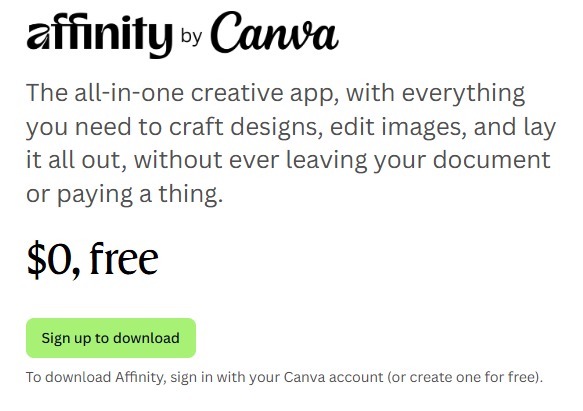
Affinity by Canva is now available for $0, absolutely free and it’s not a limited version! You get full access to its powerful creative suite-covering Pixel, Vector, and Layout tools.
How to Redeem the Free Offer?
- Visit Offer Page
- If you already have a Canva account, log in directly.
- If not, create a free Canva account in seconds.
- After logging in, click the green Sign up to download button to proceed.
- Select your operating system (Windows or Mac) and download the installer.
- Run the downloaded setup file to install Affinity
- No license key or payment is required.
- Launch the app and access all Pixel, Vector and Layout tools – with no feature lock, subscription or charge.
- If you’re on Canva Pro, Business, Education or Enterprise, Canva AI tools will be unlocked inside Affinity via Canva AI Studio.
- Free users can continue to use all creative tools without AI access.
Why Use Affinity by Canva?
- No hidden limits-Pixel, Vector, and Layout tools all included.
- Works on both Mac and Windows.
- No trial, no expiry, just 100% free.
- Get new features and performance improvements regularly.
- If you have a Canva Premium plan (Pro, Business, Education or Enterprise), you can unlock powerful AI tools directly inside Affinity via Canva AI Studio.
Key Features of this offer?
- Customize anything – brushes, shapes, styles, grids, and more.
- Export to all major formats with advanced control.
- No ads, no bloatware – clean, professional-grade tools.
- AI tools available to Canva Premium users via AI Studio.
- Seamless use with your Canva account – just log in and start.
Don’t miss out!
Whether you’re a casual creator or a professional designer, Affinity by Canva brings studio-grade tools into your hands – totally free. No credit card, no subscription required.
Start designing now and get affinity free