Traveling abroad or shopping internationally often comes with high forex charges and hidden fees. With the Niyo Global App, you can now simplify your financial journey.
How to Apply Your Malaysia Visa with Niyo?
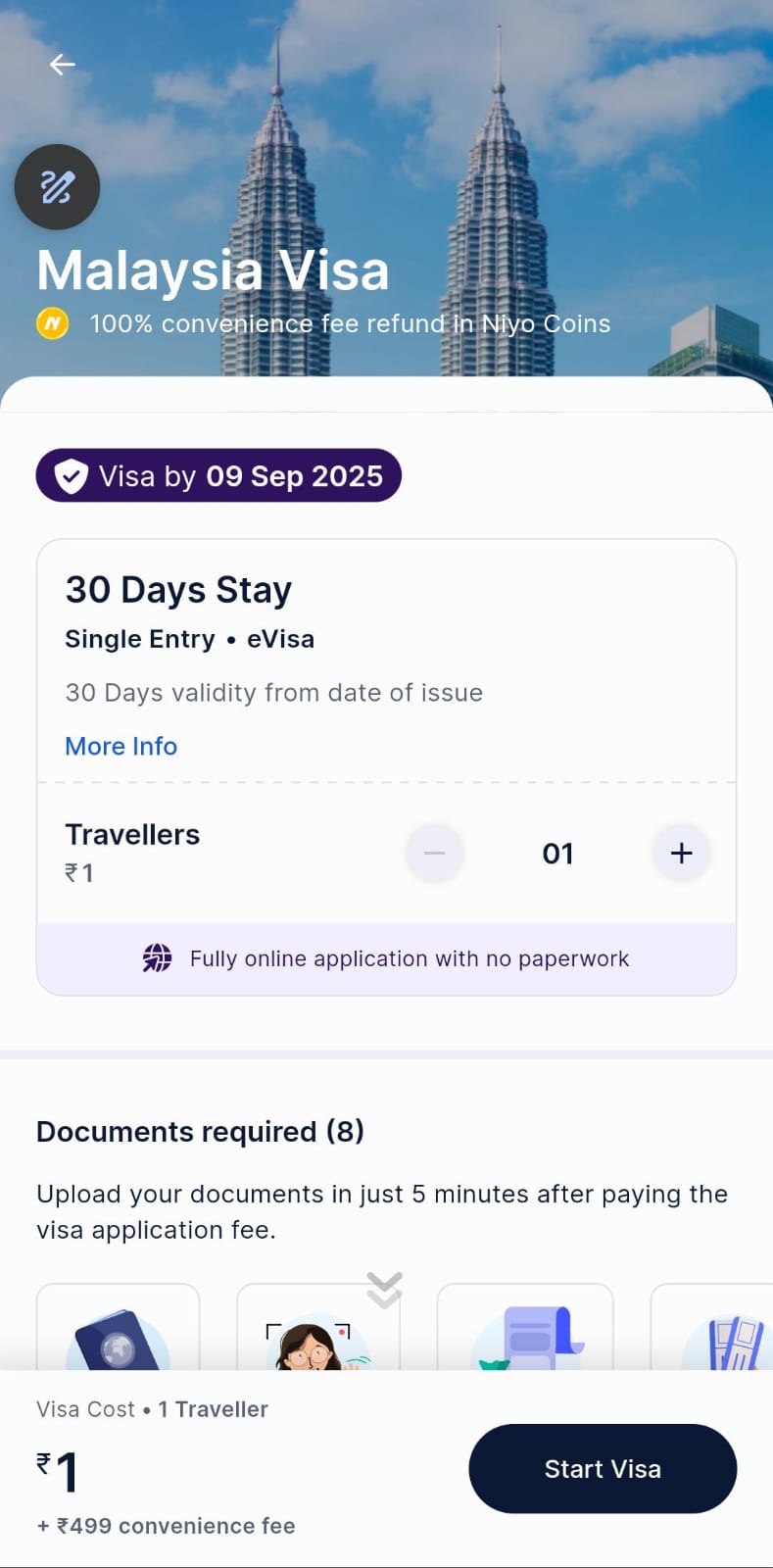
- Download The Niyo App
- Enter your mobile number (on the same device) and Login with your Google account.
- Set a secure PIN code to access your account.
- Go to Apply for Visa and click on See All at the right corner.
- Search “Malaysia” in the country list.
- Select 30 Days Stay Visa (Single Entry, eVisa).
- 30 days validity from date of issue.
- One traveller can start the visa process for ₹1, and you can add up to 10 travellers.
- Upload the required 8 documents (Passport, Photograph, Proof of fund, Flight ticket, Accommodation, Invitation letter, Cover letter, Covid certificate).
- Once documents are submitted, your visa will be processed and within 4 days you get a guaranteed eVisa.
- After approval, download your Malaysia eVisa directly from the app.
How to Apply the Sri Lanka Visa Offer via Niyo?
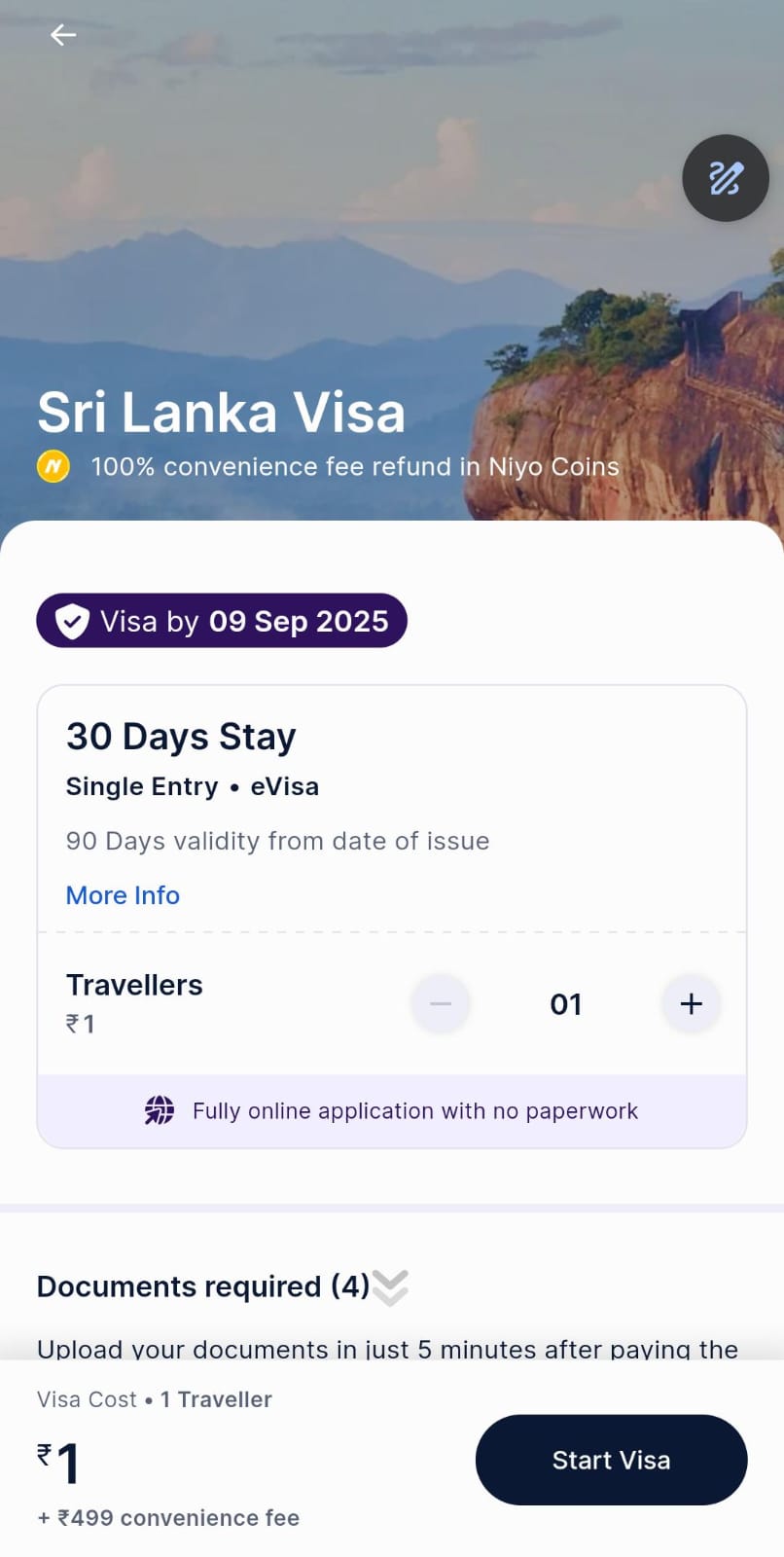
- Visit The Niyo App And Follow The Same Procedure
- Search “Sri Lanka” in the list of countries.
- Select the 30 Days Stay Visa (Single Entry, eVisa) option.
- 90 days validity from date of issue.
- Choose the number of travellers (₹1 per traveller, up to 10 travellers allowed).
- Upload the 4 required documents (Passport, Photograph, Proof of fund, Flight ticket).
- Once submitted, your application will be processed and you will receive your eVisa within 4 business days.
How to Avail Your Taiwan Visa with Niyo?
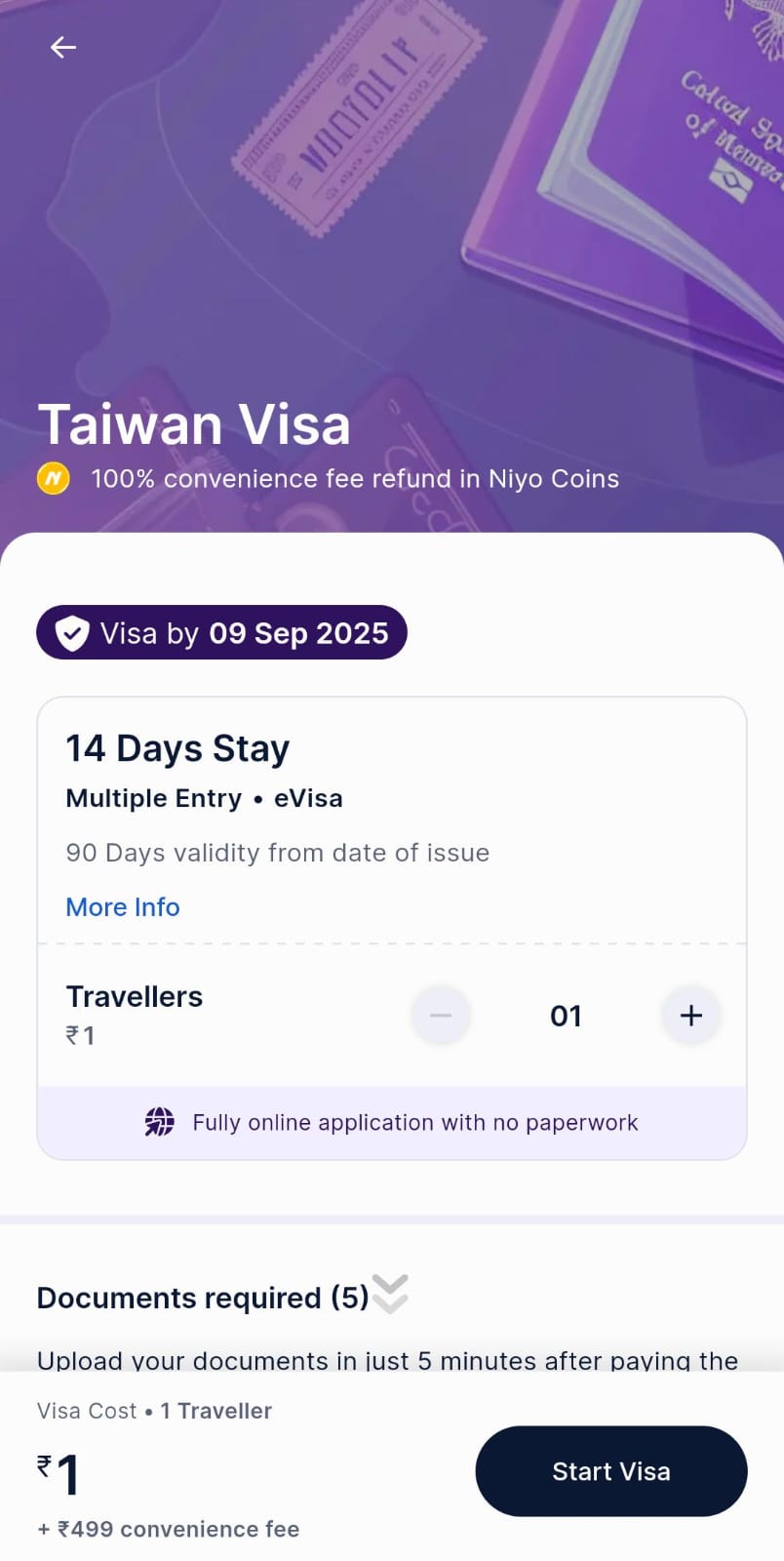
- Visit The Niyo App With Same Procedure
- Search for “Taiwan” in the visa country list.
- Select the 14 Days Stay Visa (Multiple Entry, eVisa) option.
- 90 days validity from date of issue.
- Choose the number of travellers (₹1 per traveller, maximum 10 travellers allowed).
- Upload the required 5 documents (Photograph, Passport, Flight Ticket, Accommodation, Proof of Fund).
- Submit your application – once approved, you will receive a download link for your Taiwan eVisa within a few business days.
How to Apply Your Thailand Visa with Niyo?
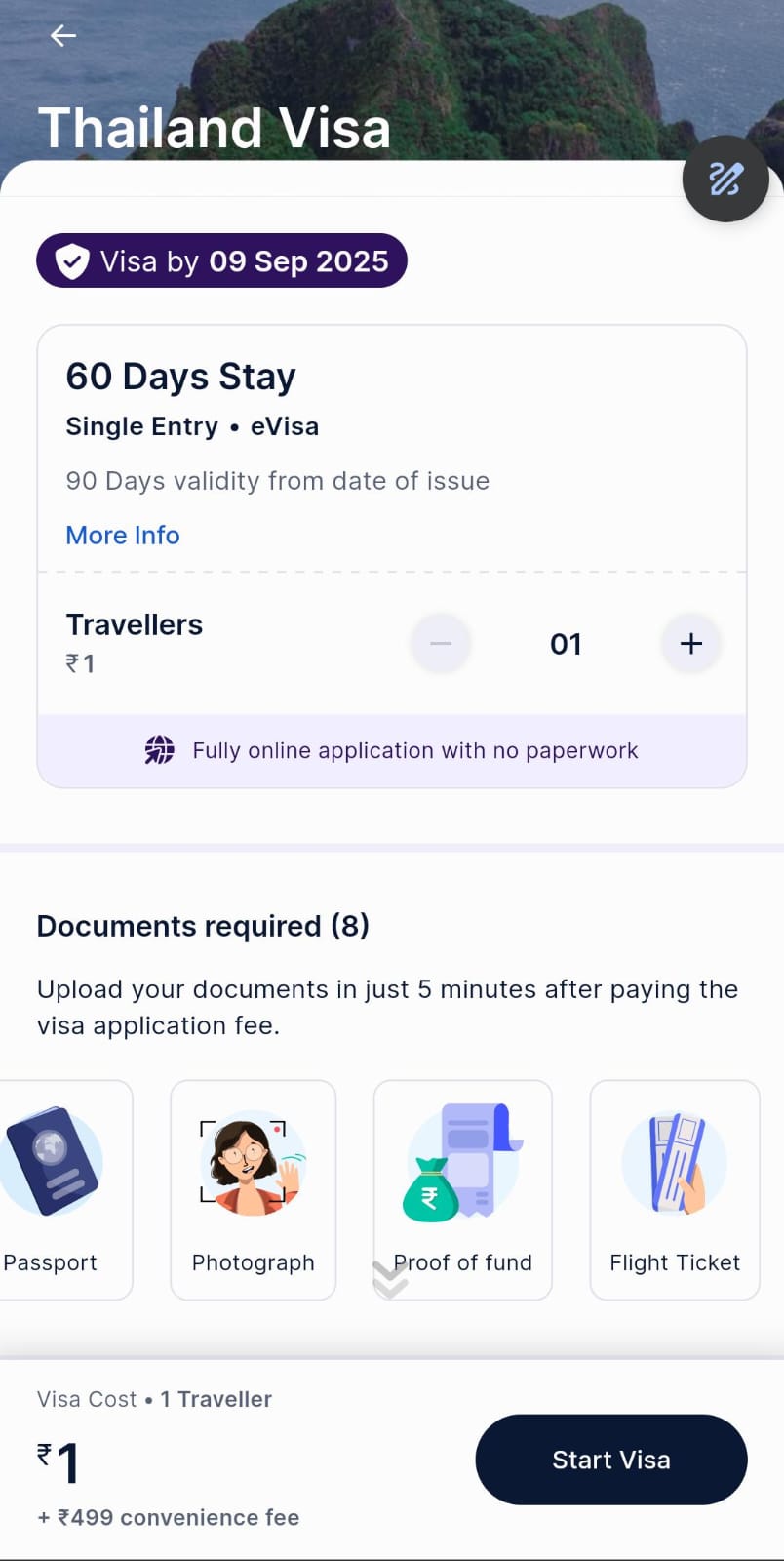
- Open The Niyo App and Follow The Same Method
- Search for “Thailand” in the list.
- Select the 60 Days Stay Visa (Single Entry, eVisa) option.
- 90 days validity from date of issue.
- Choose the number of travellers (₹1 per traveller, up to 10 travellers allowed).
- Upload the required 8 documents (Passport, Photograph, Proof of Fund, Flight Ticket, Accommodation, Invitation, Cover Letter, Covid Certificate).
- Submit your application – and within a 4 business days, you will get your Thailand eVisa download link once approved.
Why Book with Niyo?
- Just ₹1 per traveller to start visa application.
- 100% online process with no paperwork.
- Guaranteed visa by 09 September 2025 (for applications made on 05 September 2025).
- Book for up to 10 travellers in one go.
- Upload and verify documents safely within the app.
- Backed by Niyo with 100% convenience fee refund in Niyo Coins.
Key Features of this Visa via Niyo?
- Official Embassy Approval: Ensures authenticity and reliability.
- Transparent Pricing: ₹1 per traveller +499 convenience fee.
- Quick Processing: Visa approved within a few days.
- Eligibility: Taiwan TAC is only issued to holders of UK, US, Schengen Area, Canada, Japan, Australia, New Zealand, or South Korea visas.
- Validity: Subject to embassy approval.
Don’t miss out!
The Niyo Global VISA Card at just ₹1 is a golden opportunity for travelers, students, and online shoppers who want secure, hassle-free international payments.
Start enjoying global benefits at the cost of a single rupee